If you’re on the fence about whether you should switch to a paperless system in your office, consider the benefits. Transitioning to a paperless office can boost productivity and efficiency, save money, reduce the risk of lost documents, improve security, and make your office eco-friendlier and more sustainable. Arizona Business Equipment can make digitizing documents as seamless and painless as possible by recommending the right scanner and office document management solutions in Tucson, AZ.
What to Look for in a Scanner if You Want to Go Paperless
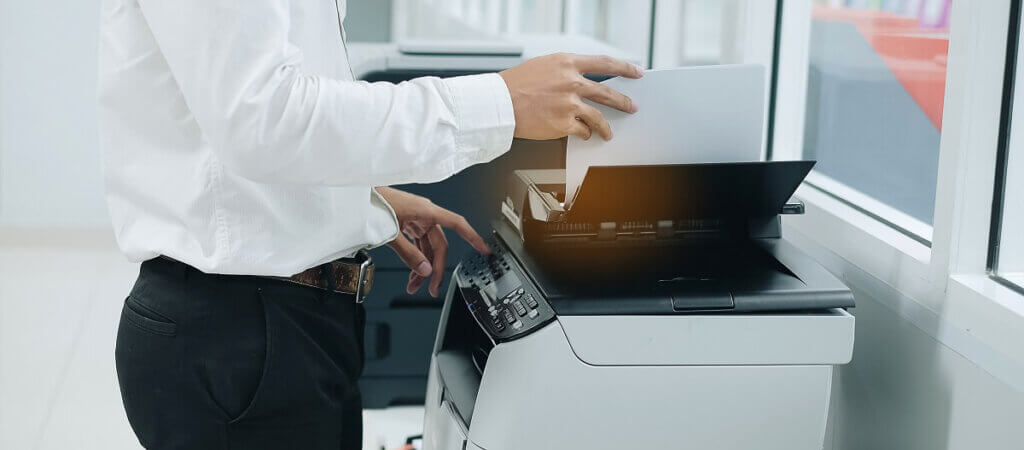
If you aren’t using the right equipment for your industry, workflow, and volume, the process of digitizing your documents will be way more stressful than it needs to be. A high-performance, high-volume, and high-quality scanner will allow you to convert hundreds of documents an hour and eliminate the need to feed papers in by hand or scan them one-by-one on the flatbed of the scanner. Here are a few of the most important features to look for in an office scanner:
- An automatic document feeder (ADF) with a high-volume capacity of 50 sheets or more
- Duplex scanning capabilities to enhance speed and efficiency
- Integrated optical character recognition (OCR) to convert scanned images to searchable and editable PDFs
- Wi-Fi capability and remote scanning functions
- A speed of at least 20-30 pages per minute
- Automatic image enhancement settings to avoid the need for manual tweaking
- High-resolution scanning for photos, such as at least 600 dpi
Choosing the Right Document Management System
A document management system (DMS) is software that integrates with your scanner to capture, store, manage, and track all your digitized records. It automatically creates a centralized, secure filing cabinet that can be accessed by any authorized personnel in your office. You can even set up workflows that make the process of scanning and filing documents easy and fast. To make sure you’re choosing the best DMS for your company’s needs, consider:
- Who will be responsible for scanning, uploading, and distributing digitized records
- How you will train employees on your new system
- Which security and compliance protocols are most important for your business and industry
- Which systems support full integration with existing software and office equipment
Key Features to Look for in a DMS
It’s best to schedule demos and request pricing for multiple DMS before making a purchase or entering into a scan to cloud business agreement. Some of the most important features to look for are:
- Streamlined and customizable workflow automation
- Advanced search features
- Ability to track and control document changes, distribution, access, and more
- Mobile and remote access
Call Now to Explore Scanner Options
Arizona Business Equipment is a five-star office equipment business that offers scanner leasing. We are a locally owned and operated business with a fully stocked warehouse and can respond quickly to equipment needs. We’re happy to provide personalized, expert guidance in choosing the right scanner and document management system so that your office can go paperless. To learn more about document scanning in Tucson, AZ, call us at (520) 888-2679 or contact us online.