
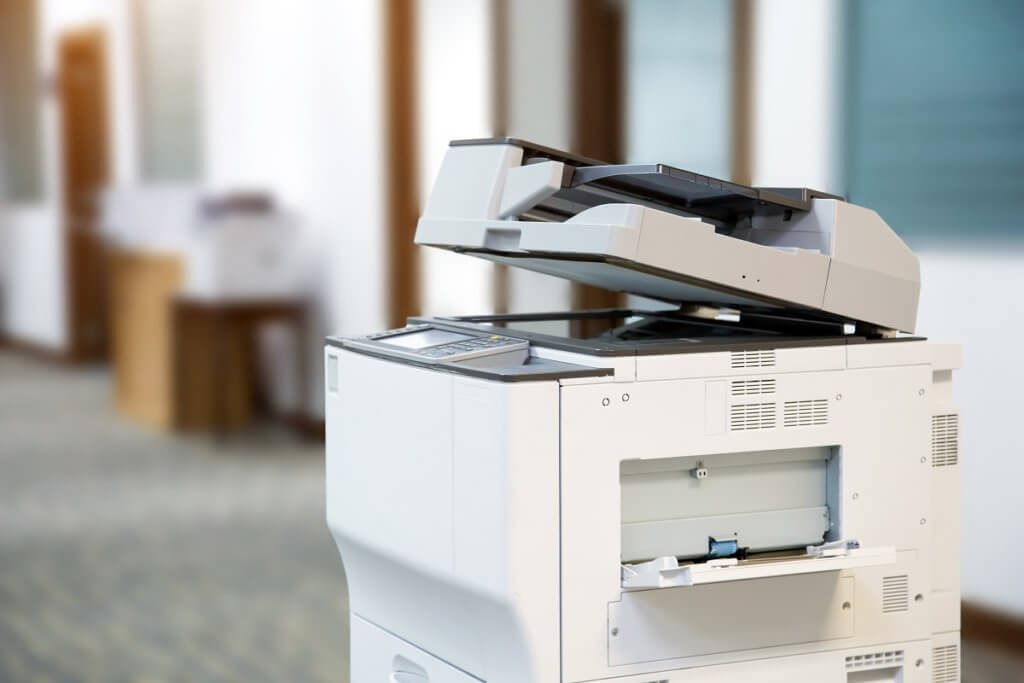
The final months of the year can be especially busy for small businesses. Between wrapping up projects, managing holiday schedules, finalizing budgets, and preparing for the new year, the last thing your team needs is an unexpected copier or printer breakdown.
A little preparation now can help prevent costly interruptions later. Scheduling preventive printer and copier maintenance in Tucson, AZ is a simple way to keep your office equipment running efficiently when your business needs it most.
At Arizona Business Equipment, we help local businesses stay productive with dependable office equipment and professional maintenance services. Use this year-end checklist to identify potential issues early and keep your printers, copiers, and scanners ready for the busy season ahead.
Your Year-End Office Equipment Maintenance Checklist
Before the holiday rush begins, take a few minutes to evaluate the condition and performance of your office equipment.
- Inspect paper trays and rollers. Check accessible areas for dust, debris, or worn components that could contribute to paper jams.
- Run a few test prints. Look for streaks, faded text, lines, or uneven printing that may indicate a dirty printhead, worn drum, or other component issue.
- Check scanner glass and document feeders. Inspect for fingerprints, smudges, correction fluid residue, or debris that could affect scan and copy quality.
- Clean exterior surfaces. Use a soft, dry microfiber cloth to wipe down touchscreens, control panels, and accessible surfaces, following the manufacturer’s cleaning recommendations.
- Review toner and supply levels. Check each device and make sure you have appropriate replacement cartridges and essential supplies available.
- Test network connectivity. Confirm that printers and copiers communicate reliably with your network without connection drops, delayed print jobs, or recurring errors.
- Listen for unusual noises. Grinding, squeaking, clicking, or other unfamiliar sounds may indicate worn or malfunctioning components.
- Review maintenance records. Check when your equipment was last professionally serviced and whether it’s due for another inspection based on manufacturer recommendations and usage.
Taking these simple steps can help you catch minor concerns before they become larger, more expensive problems.
Basic Maintenance Your Office Staff Can Handle
Not every printer or copier issue requires a professional service call. With a little routine care, your team can help maintain equipment performance and reduce unnecessary interruptions.
Everyday upkeep may include cleaning scanner glass with manufacturer-approved products, removing dust from accessible paper trays, monitoring toner levels, and replacing cartridges as needed.
Staff can also address minor paper jams by following the device’s on-screen instructions. Always power down equipment when directed, remove paper gently along the designated paper path, and avoid forcing components or reaching into areas that aren’t intended for user access.
These small maintenance habits can make a meaningful difference in keeping your office running smoothly.
Signs It’s Time to Call a Professional Technician
While routine cleaning and basic troubleshooting can resolve some issues, certain problems require professional attention.
Consider scheduling a service appointment if you notice:
- Recurring error codes that continue after basic troubleshooting or restarting the device.
- Grinding, clicking, or whining noises that could indicate worn or damaged internal components.
- Persistent lines, streaks, or smudges on printed documents that don’t improve after routine cleaning.
- Frequent paper jams occurring in the same area of the machine.
- Slow performance or repeated connectivity issues that disrupt printing, copying, or scanning.
Ignoring these warning signs can lead to more extensive repairs, unexpected downtime, and unnecessary frustration for your team.
A professional technician can identify the underlying issue, evaluate your equipment’s condition, and recommend the appropriate maintenance or repairs.
Beat the Holiday Rush: Schedule Your Office Equipment Maintenance Today
A quick equipment check today could save your team hours of frustration during the busy year-end season. Rather than waiting for a complete breakdown, take a proactive approach to keeping your office technology in working order.
Arizona Business Equipment is a locally owned Tucson office equipment company offering preventive maintenance agreements, professional repair services, and responsive on-site support.
Our experienced technicians can inspect your printers and copiers, troubleshoot recurring issues, evaluate critical components, and help ensure your equipment is ready to support your business through the end of the year and beyond.
Don’t let an unexpected equipment failure slow down your business. Call Arizona Business Equipment at (520) 888-2679 or contact us online to schedule your year-end equipment maintenance and head into the new year with confidence.