
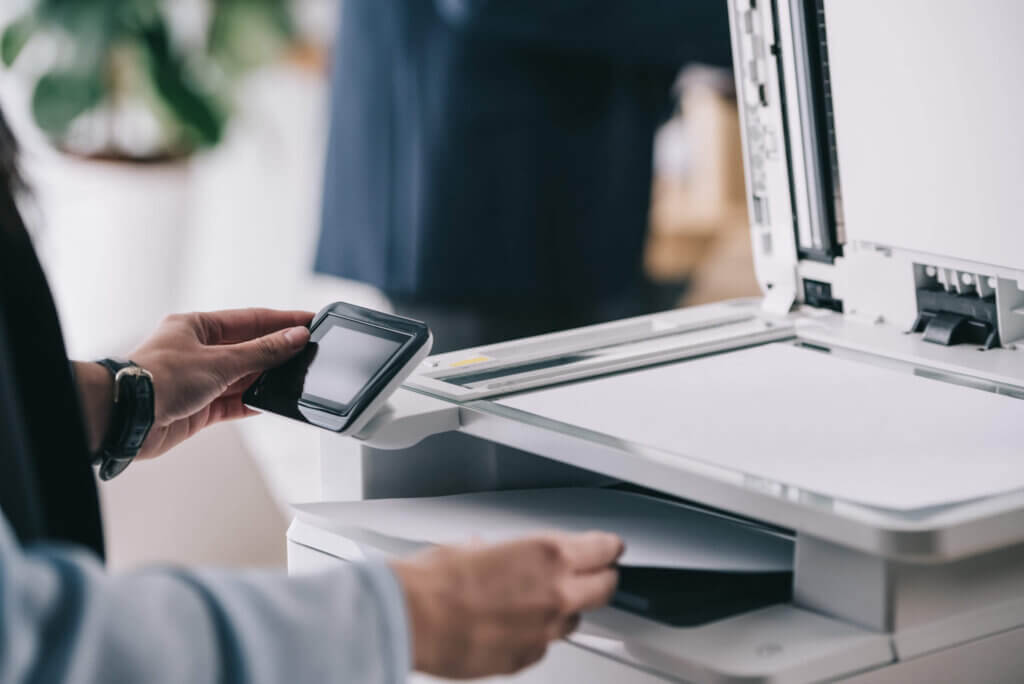
Properly caring for your office equipment can help you avoid annoying problems like paper jams, broken parts, or costly upgrades or replacements. However, if your employees don’t know how to use or maintain equipment properly, you could be liable under your equipment lease. Here is your guide to understanding the dos and don’ts of maintaining your office printer and other office equipment so that it works perfectly and lasts as long as possible.
Do: Read the Manual Carefully Before Using – and Make Sure Everyone Else Does Too
The best way to make sure that everyone at your office knows how to properly use your new printer or any other office equipment is to read the manuals carefully. The manuals will outline how and where to install equipment, when and how they should be cleaned, how to set up department-specific logins and security features, and how to use specific menu functions. Once you have familiarized yourself with the equipment, set up a training session for all employees so that everyone is on the same page about how to use it.
Don’t: Ignore Warning Signs
If you see warning signs on your screen, pay attention to what they say. You might be getting an important warning about a problem or error that will affect your ability to continue using the machine. Ignoring it could cause damage to the equipment or affect your office’s productivity or efficiency. If you see flashing lights or an error code on the screen, call our technicians to troubleshoot the issue or schedule a service appointment.
Do: Perform all Software Updates When Recommended
If your equipment is Wi-Fi enabled, it will occasionally check for software updates. These updates may include new security features, upgraded settings or functions, and bug fixes. Ignoring updates may make your equipment run slowly, crash frequently, or behave strangely. We recommend installing all updates as soon as recommended to maintain the security and performance of your equipment and comply with the terms of your lease.
Don’t: Use Incompatible Supplies or Parts in Machines
It might be tempting to try to save money on office supplies by using generic brands. However, some cheap office supplies may not actually be compatible with your machine. Using budget printer inks, toner, or replacement parts could violate the terms of your lease or even cause the office equipment to malfunction or break down. It’s best to stick with the supplies and parts that are recommended by the manufacturer.
Call Now to Schedule Equipment Maintenance or Troubleshooting
At Arizona Business Equipment, we do more than just lease equipment to local Tucson businesses. We also offer helpful guidance and advice in setting up, using, and maintaining equipment so that our clients get the most out of their systems. We can help you protect office printers, copiers, scanners, and multi-function machines to optimize their performance, efficiency, and lifespan. To learn more about leasing a copier, scanner, or printer in Southern Arizona, call us at (520) 888-2679 or contact us online.