
13 Feb How to Prevent Office Equipment Emergencies
When you lease office equipment, you can customize your equipment maintenance contract to get the level of support you need to protect the equipment. However, depending on the services included in your contract, you will still be responsible for certain tasks that will keep your equipment (and office) running smoothly. Arizona Business Equipment can help you balance office efficiency and equipment maintenance by providing helpful and time-saving tips for preventive maintenance. Here are a few of the biggest ways you can prevent office equipment emergencies like unexpected breakdowns and inconvenient repairs.
Read the Equipment Manual
Most people don’t take the time to read office equipment manuals because they don’t see the point. However, if you don’t follow manufacturer instructions for setting up, using, and maintaining your leased equipment, you may end up being liable for costly repairs or equipment replacement. It’s really important that at least one person in your office is familiar with machine and equipment use so that they can train other employees. The manual will give you helpful tips that will extend the lifespan of office printers, copiers, and scanners and prevent downtime, such as:
- Where equipment should be installed to maintain proper ventilation and clearance and prevent overheating
- What type of outlet or power strip to use to ensure safety and prevent fires, overloaded circuits, and power surges
- How to set up security protocols in the system to prevent unauthorized access
- Accessing usage tracking information to generate reports by department or client
- Correct supplies to use to maintain the performance and lifespan of the machine
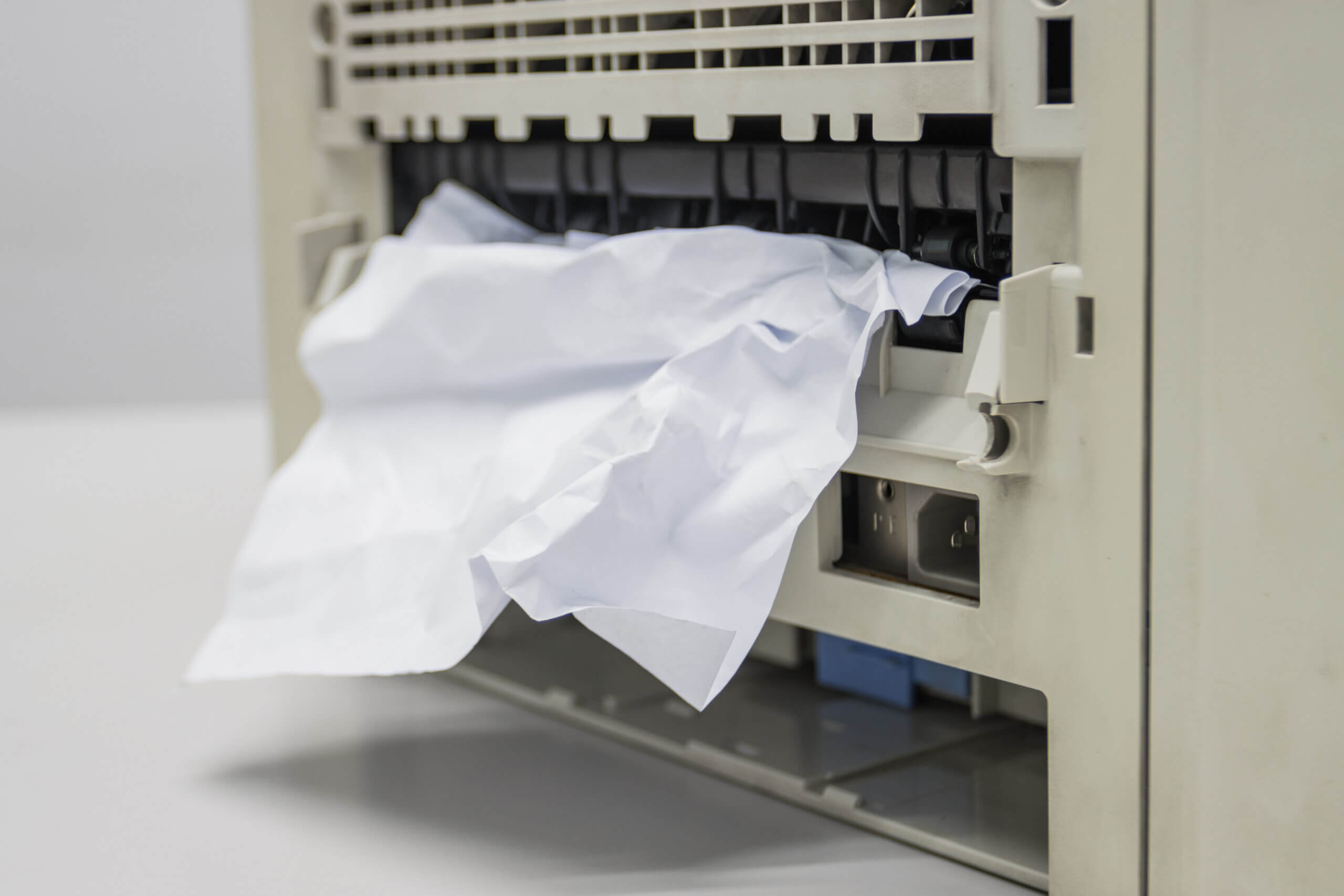
- Tips for clearing paper jams or troubleshooting problems
- Meaning of error codes and how to clear them
- Proper maintenance schedule, including how to clean the machine and inspect it for damage
Keep the Equipment and Surrounding Area Clean
You can also prevent wear and tear and damage to equipment by keeping it, and the surrounding area, clean and clear. Each day, someone in your office should be tasked with clearing away unclaimed documents, removing discarded staples and paperclips, and making sure nothing has fallen under or behind the machine. You should also:
- Remove paper, clutter, and other hazards from the area.
- Keep paper drawers properly stocked and close them after refilling.
- Use proper tools and methods to replace toner, paper, staples, and other supplies.
- Look for signs of damage to the machine and report it to AZBE immediately.
- Dust the machine and clean the scanner bed according to the manual.
- Check the power cord and other connections for signs of damage.
How Arizona Business Equipment Can Help
When you lease a printer, copier, scanner, or wide format printer from Arizona Business Equipment, we will provide expert maintenance and troubleshooting. We work quickly to solve problems because we understand how stressful equipment challenges can be. Our team typically provides same-day office equipment maintenance and repair, and our fully-equipped warehouse stocks replacement parts for all makes and models of machines. We do everything possible to prevent inconvenience and downtime, and can even offer loaner machines for complex repairs. To learn more about leasing office printers in Southern Arizona, call us at (520) 888-2679 or contact us online.